
Features & Workflow
Under the hood
How does WISP work?
Engine
WISP — Wildfire Simulation Platform — is a desktop application enabling the simulation of wildfire propagation. Simulations are based on physical principles such as heat transfer, fluid dynamics, and combustion, and account for the dynamic effects of terrain, fuel, and weather.
In technical terms, this is a raster-based, semi-empirical model that combines physical reasoning with experimental observations. Simulations can be deterministic or semi-probabilistic, and parameters influencing growth are clear and understandable.
Inputs
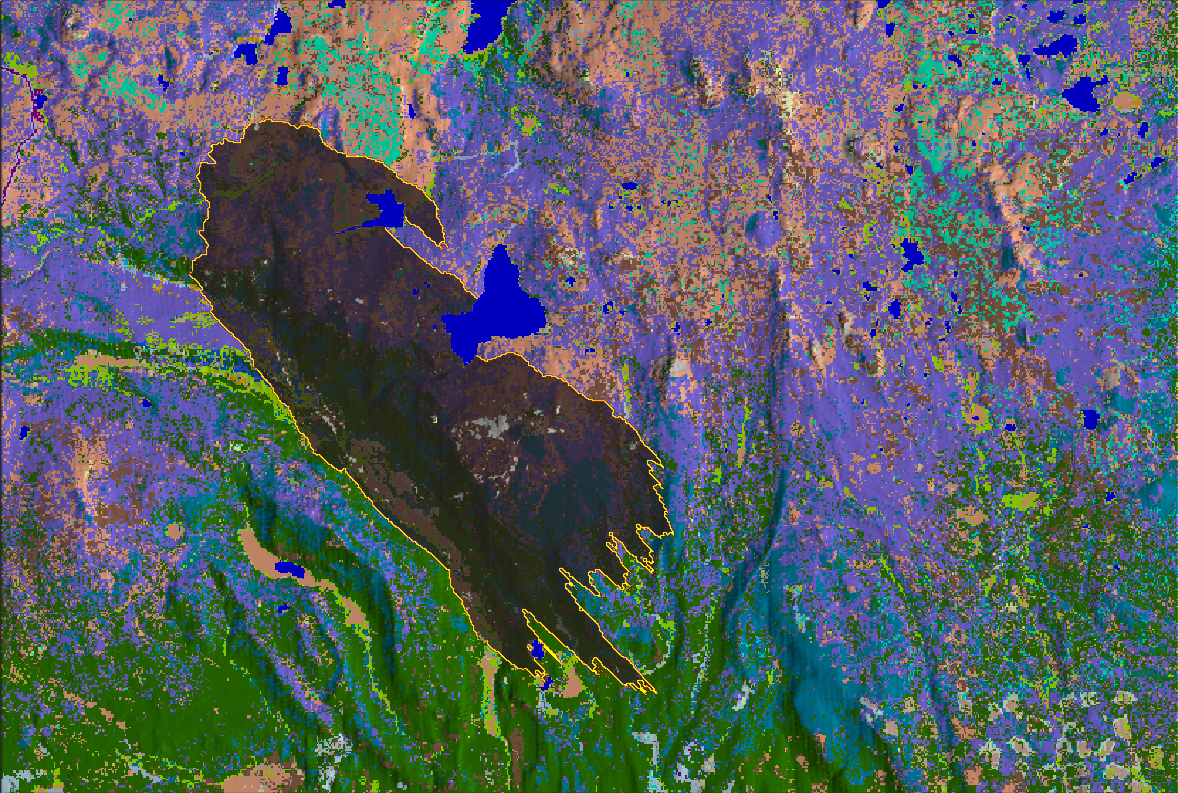
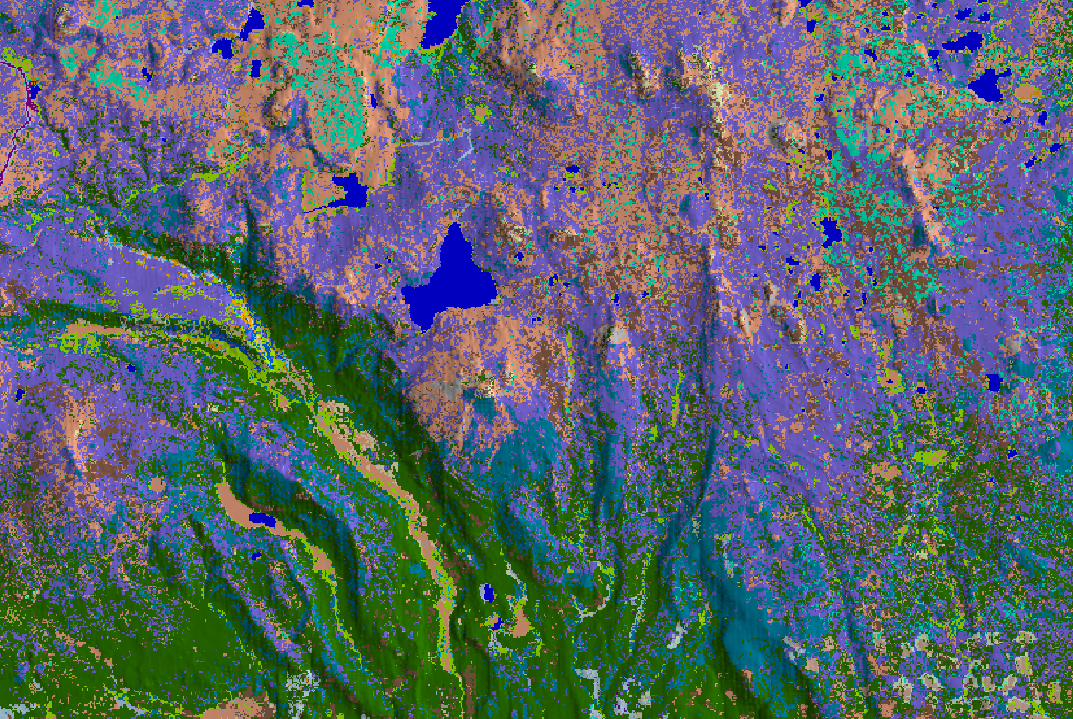
The wildfire propagation simulation integrates four key data sources for a comprehensive analysis of fire behavior:
Terrain
Digital Elevation Models (DEM), slope, aspect & topographic channels
Vegetation
Fuel maps, canopy cover, height & density, moisture content
Weather
Wind speed & direction, temperature, humidity & precipitation
Fire
Ignition points
Workflow
WISP is designed to use generic data sources and models to provide a flexible platform for wildfire risk assessment.
Data Platform
ESA WorldCover, Copernicus DEM, WindNinja, ...
GIS Platform Optional
Preprocessing of terrain & vegetation
WISP Terrain & Scenario modules
Adjustment & scenario creation
WISP Simulation module
Physics-based wildfire propagation
WISP Analyst module
Visualization & metrics extraction
Decision
Use results for strategical decisions
Example outputs from 200 stochastic simulation runs, with random ignition and random wind
Burn Probability
Probability of fire reaching each cell across all scenarios
Downstream Protection Value
Multi-criteria assessment of downstream impact
Mean Propagation Time
Cell-to-cell fire front arrival time at each location
Mean Fireline Intensity (kW/m)
Energy release rate per unit length of fire front
Platform capabilities
Features
WISP provides comprehensive features to enhance decision-making at every level and deliver actionable insights.
Modern UI
Clean, intuitive interface designed for professionals.
- Project-based workflow with structured scenario management
- Visual interactions with simulation variables
- Annotation tool for notes and memos
Interactive 3D Visualization
Explore fire spread in real time on a 3D terrain.
- 3D terrain rendering
- Real-time fire spread visualization and playback
- Dynamic overlays for terrain, fuels, weather and fire variables
Physics-Based Engine
Validated fire spread models for accurate predictions.
- Rothermel spread model implementation
- Deterministic or semi-probabilistic simulation core
- Time-resolved fire front propagation
Fuel Modelling
Built-in library with full customization support.
- Built-in fuel model library
- Custom fuel model creation and edition
- Fuel model import/export
Terrain and Fuel Editor
Import, edit and generate terrain and fuel layers.
- DEM and land cover import/export
- Interactive painting and modification tools
- Integrated terrain generation
Multi-Scenario Exploration
Compare strategies across dozens of scenarios at once.
- Spatially and temporally variable wind, moisture and ignition fields
- Scenario-specific weather configurations
- Batch parallel simulation runs
Probabilistic Risk Analysis
Quantify wildfire risk with Monte Carlo simulations.
- Burn probability and fireline intensity maps
- Arrival time distributions
- Multi-criteria custom risk maps
Analytics and Export
Extract quantitative insights and share results.
- Area burned statistics and rate of spread metrics
- Fireline intensity and quantitative outputs
- Simulation snapshots and video recording
Get started
Ready to simulate?
Who uses WISP?
Professionals across industries rely on simulation to reduce wildfire risk and improve forest resilience.
-
Forest Agencies
Plan fuel treatment strategies, evaluate wildfire scenarios, and support landscape-scale mitigation.
-
Firefighters
Train with realistic scenarios, practice response strategies and support decision making.
-
Insurance
Model wildfire exposure, estimate potential losses, and assess portfolio-level risk.
See WISP in action
Book a personalised demo with our team. We'll walk you through the platform using a scenario relevant to your use case.
-
Data walkthrough
What you need and how to get it
-
Live simulation
Run on the area of your choice
-
Results analysis
Interpretation of outputs for your context
-
Q&A session
Tailored to your organisation's needs